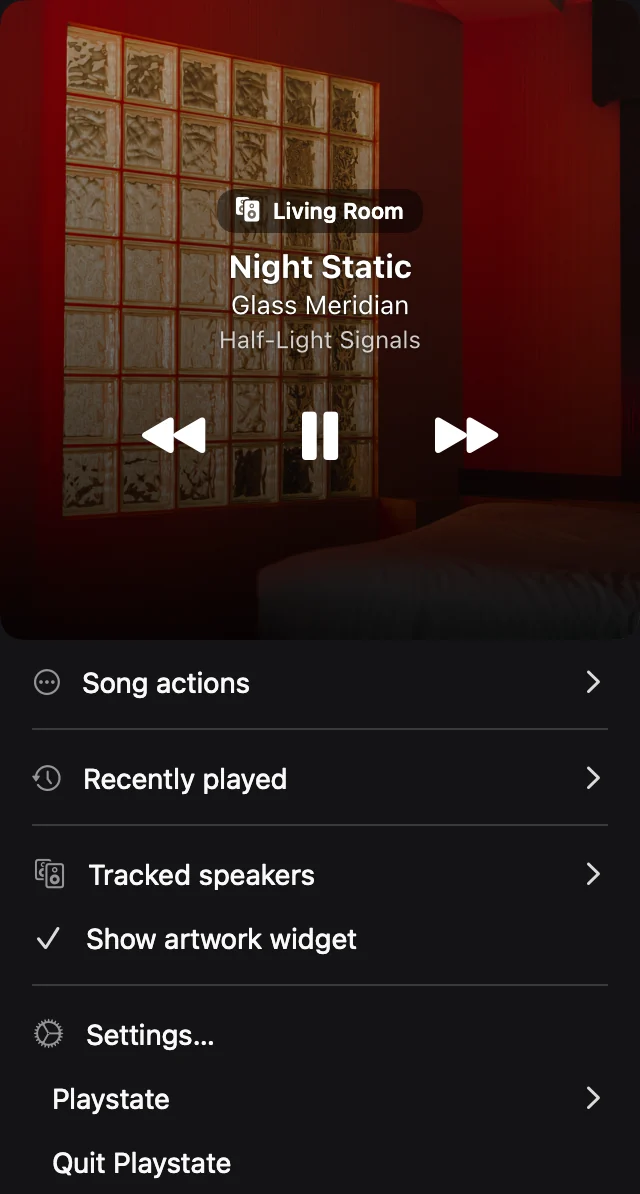
Check the destination first
Open Playstate and select the HomePod you want to control. Confirm the speaker name and current playback before changing its volume, particularly if you have several rooms.
Adjust speaker volume
Use the speaker volume control in the menu. Start with a small adjustment and listen for the result. Your Mac’s system volume and the speaker’s volume are different controls; changing one does not always change the other.
If the control does not respond
Confirm the speaker is connected and reachable from its usual controller. Check Playstate’s local-network permission and your selected source. A disconnected speaker cannot receive commands; repeated clicks do not establish a connection.
Try it on your Mac
The full app is free for 1 day, starting when it first connects to a speaker or you use a playback or volume control. No card is required. A personal license is US$7, paid once.
Try free for 1 day