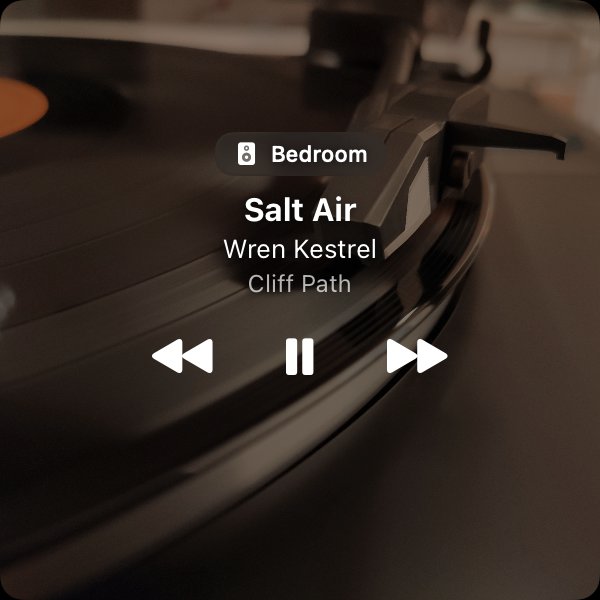
Visible when you want it
Keep the artwork large, shrink it to a compact control, or close the window and use the menu bar. Playstate adapts without becoming another full library browser.
Your usual player, a smaller control
Follow Music.app, Spotify, VOX, Doppler, and VLC, or a supported HomePod or Sonos speaker. Choose your sources in Settings and keep the player open when it supplies the audio. Qobuz support is experimental; see the supported music apps guide for permissions, controls, and artwork limits.
A quiet companion
Use playback controls and a local recent-song history without an account. Optional artwork matching contacts music catalogs; your audio stays with your player.
Native and lightweight
Playstate is built as a native macOS utility and stays out of the dock while it works.
Try it on your Mac
The full app is free for 1 day, starting when it first connects to a speaker or you use a playback or volume control. No card is required. A personal license is US$7, paid once.
Try free for 1 day